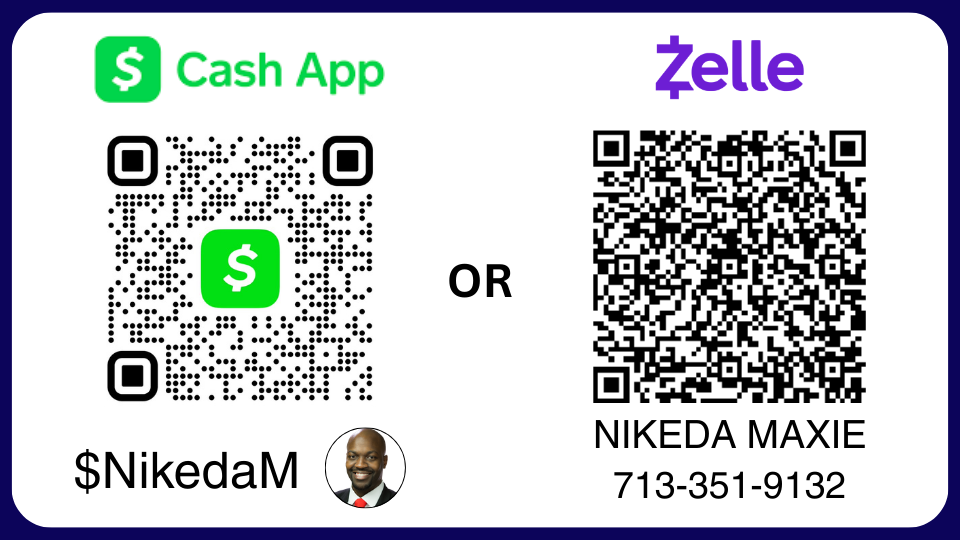
When you decide how you want to pay, we’ll need to know how you want to set up your subscription and handle your ongoing payments.
1) You can choose to have payment reminders/requests sent to you through email or text notification.
– We’ll send you a notification that your payment is due before your subscription expires.
– We’ll also send you a request for payment in the amount of your monthly subscription.
– You can then make your payment using the link sent to you.
2) Have your payments set up for automatic billing.
(This option is only available through PayPal)
– Your payment will come out monthly on the same date until you choose to cancel your subscription.
– You’re able to cancel at anytime.
3) Make your payments manually.
– You have complete control, and are able to make your payments whenever you’d like.
– You’ll want to make sure the payments are made by the day before your subscription expiration date
(Your subscription expiration date is displayed at the bottom of the home screen panel of the CAT6 app).
*** ATTENTION! *** IMPORTANT! ***
Your access to the service will end once the renewal date passes without payment.
You are in total control.
There are NO contracts or commitments.
You can change your payment options if you want to.
You can cancel anytime you’d like.